Sending Quote to Customer
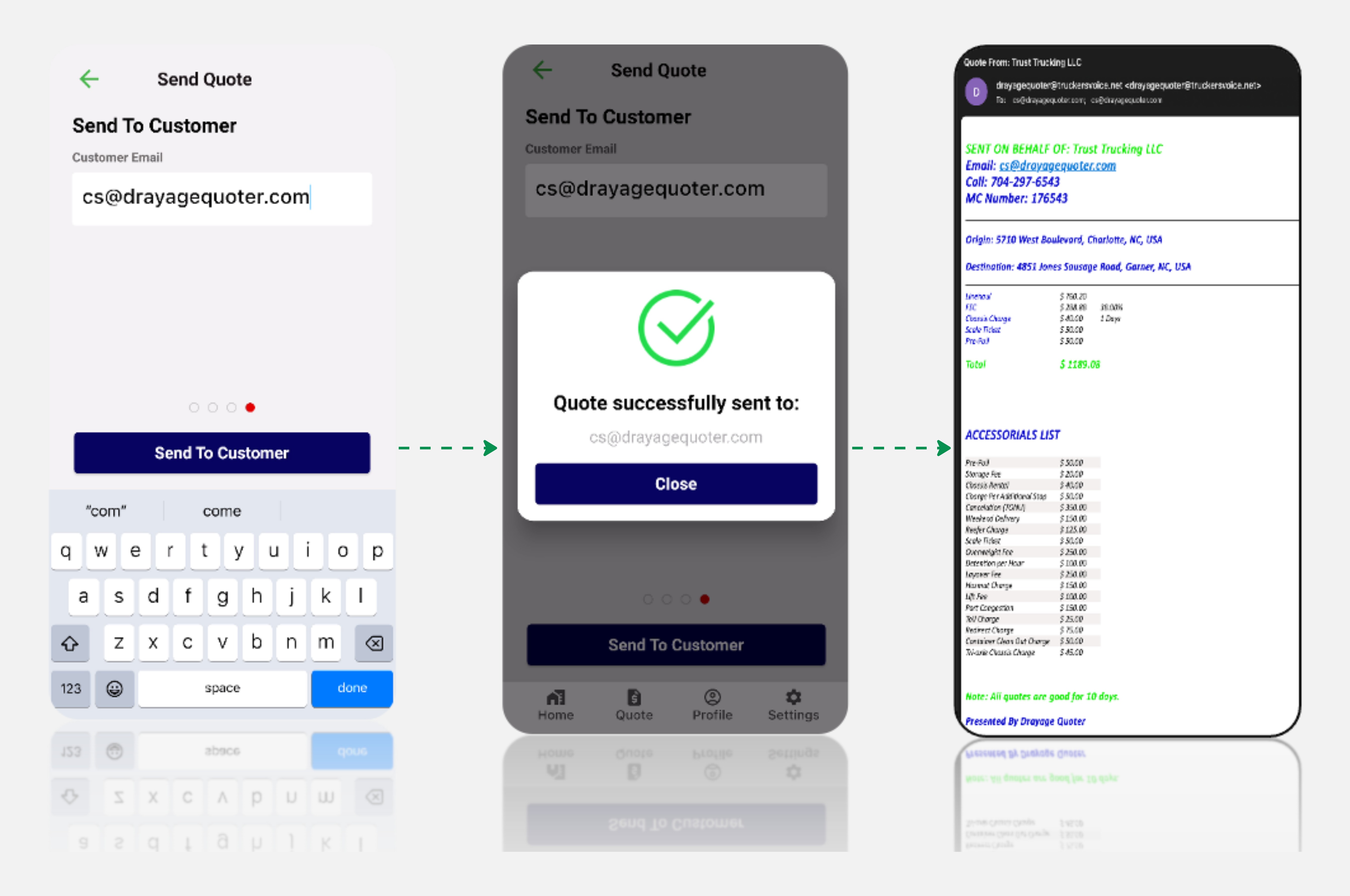
On this page, enter the customer's email address to send the quote. Accuracy is crucial, so double-check the email address to ensure successful delivery.
After entering the email address, click "Send To Customer"
A confirmation message will indicate that the quote has been successfully sent to the customer. Carrier will receive an email confirmation to your provided email address in your profile, serving as a record of the quote sent.
Tip
Ensuring precision in the email address is vital to guarantee the customer receives the quote promptly.
This straightforward process concludes with a confirmation of the sent quote to both the customer and your registered email address.